Launch your own AI support-chatbot SaaS
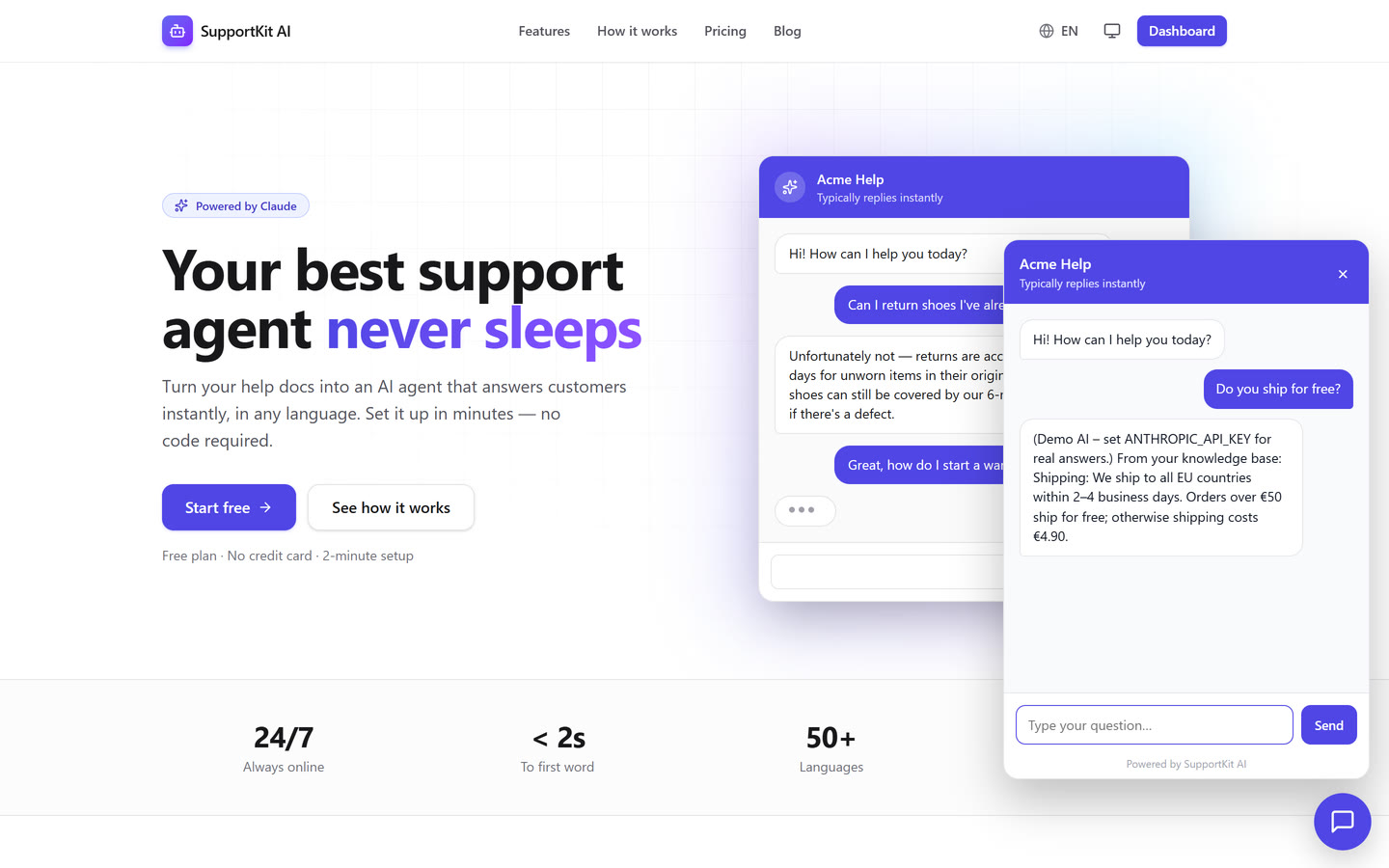
Your customers add their docs, get an AI agent, and embed it on their website with one line of code. You charge them monthly. SupportKit AI is the complete product, already built.
Not a UI kit. A finished product.
Everything a paying customer needs
Sign-up, billing, the AI, the embeddable widget, the admin panel, and the security work behind all of it.
AI assistants
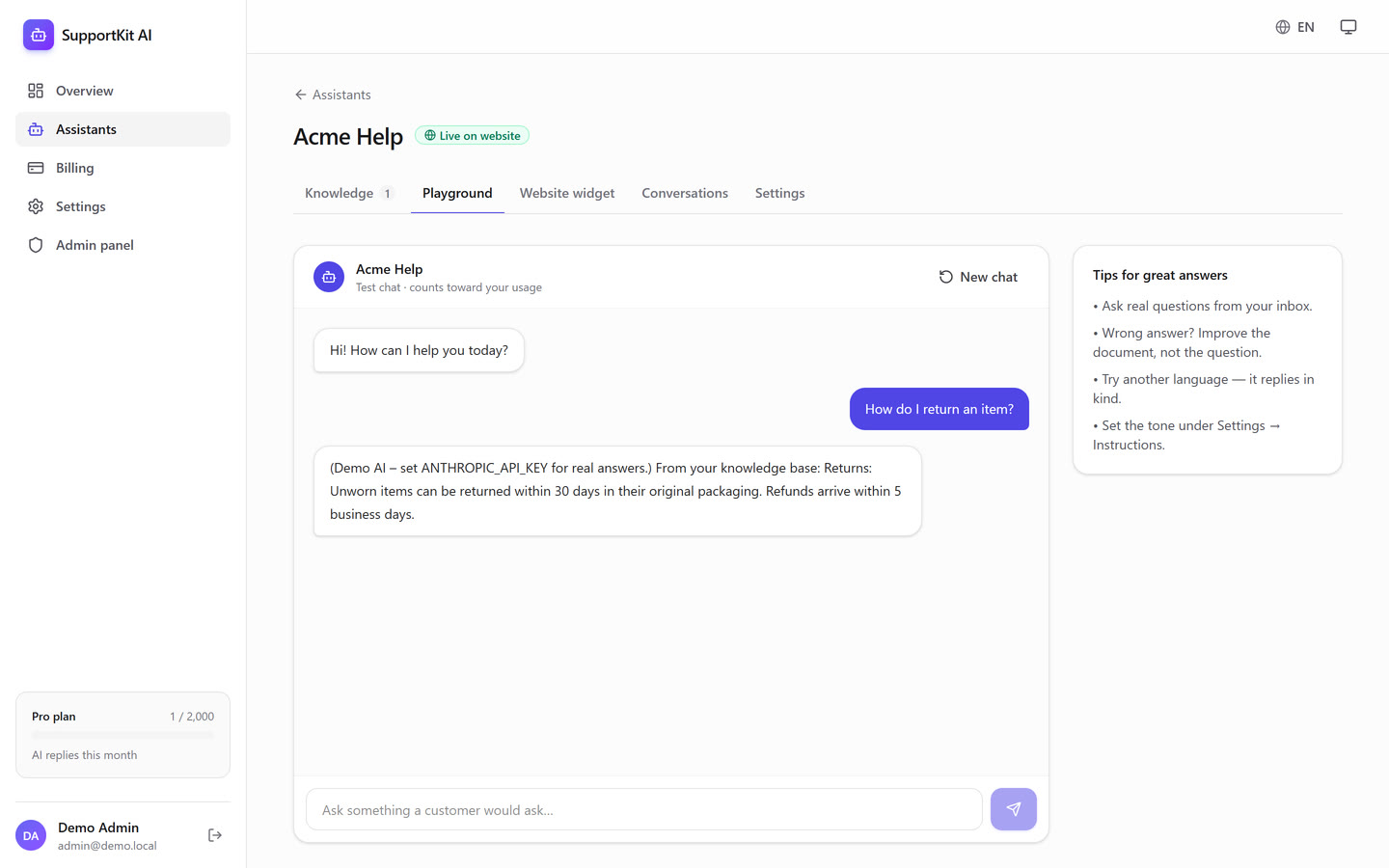
Each customer creates assistants with their own name, tone and instructions. Answers stream live from Claude.
Knowledge base
Paste or upload FAQs, policies and product docs. Answers are grounded in those docs, and retrieval works in any language.
One-line website widget
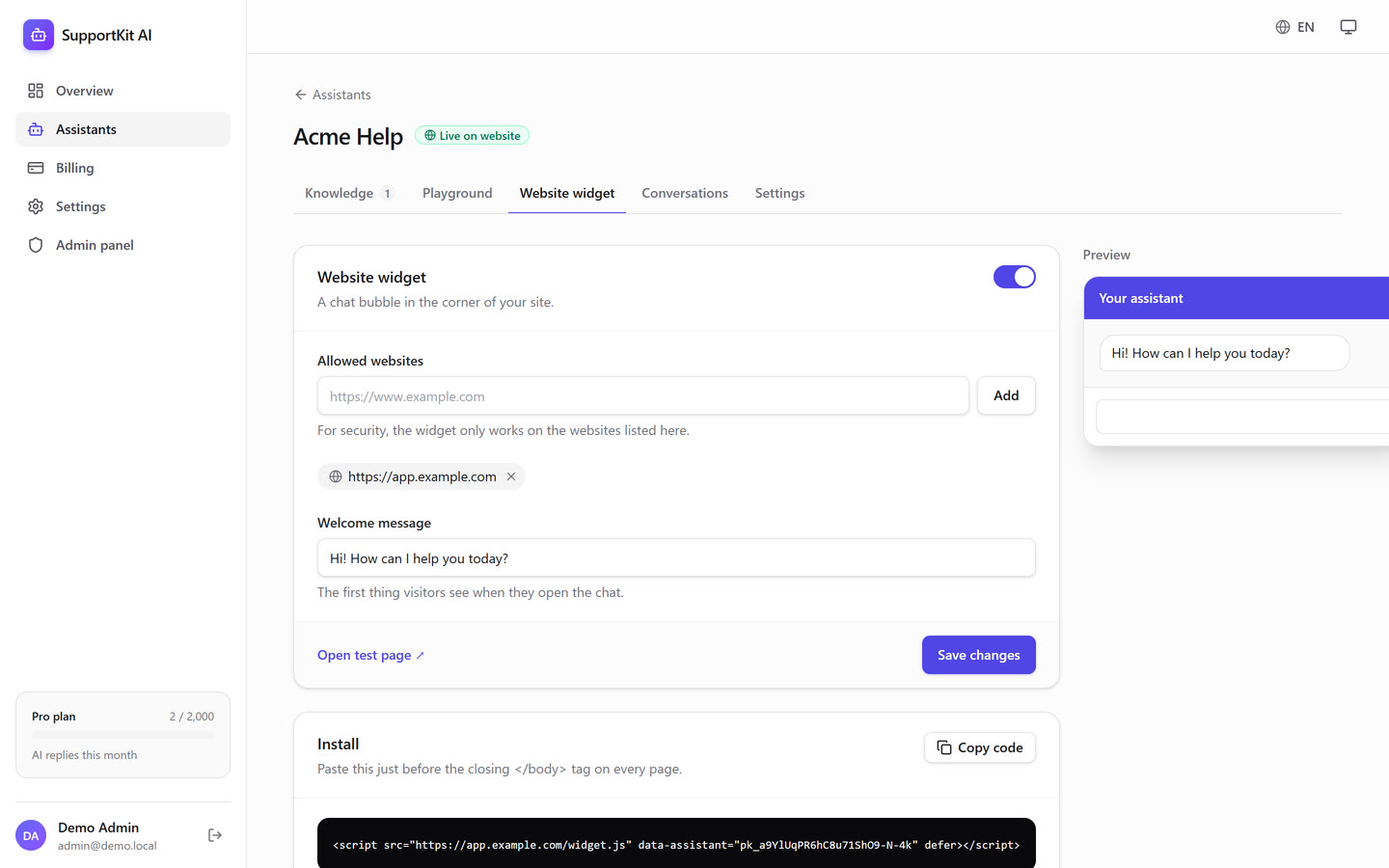
A single <script> tag. Uses Shadow DOM, a per-site allow-list, auto-translated UI and follows the visitor's dark mode.
Stripe subscriptions
Free / Pro / Business plans with Checkout, Customer Portal, and signed, idempotent webhooks. Plan limits are enforced on the server.
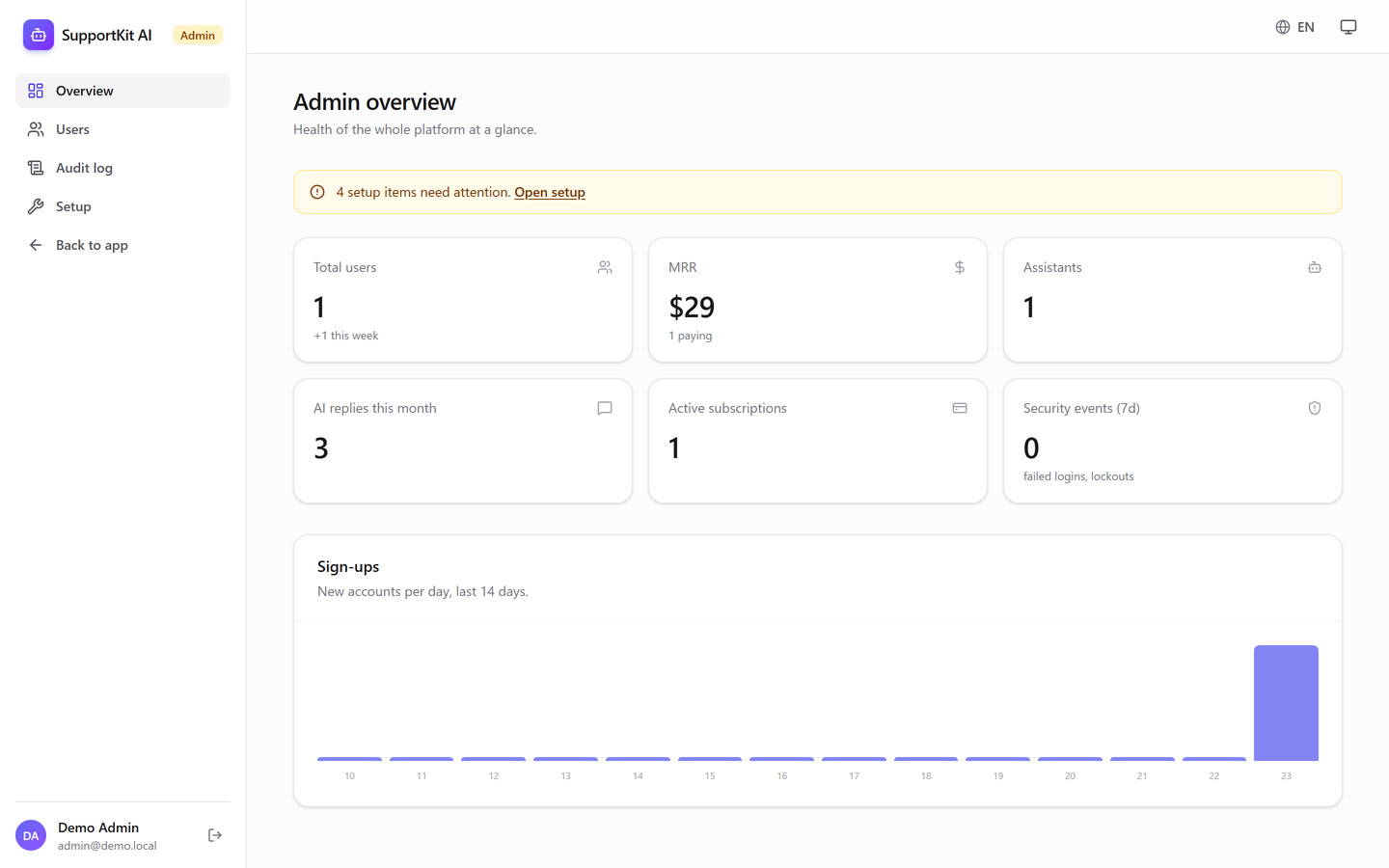
Admin panel
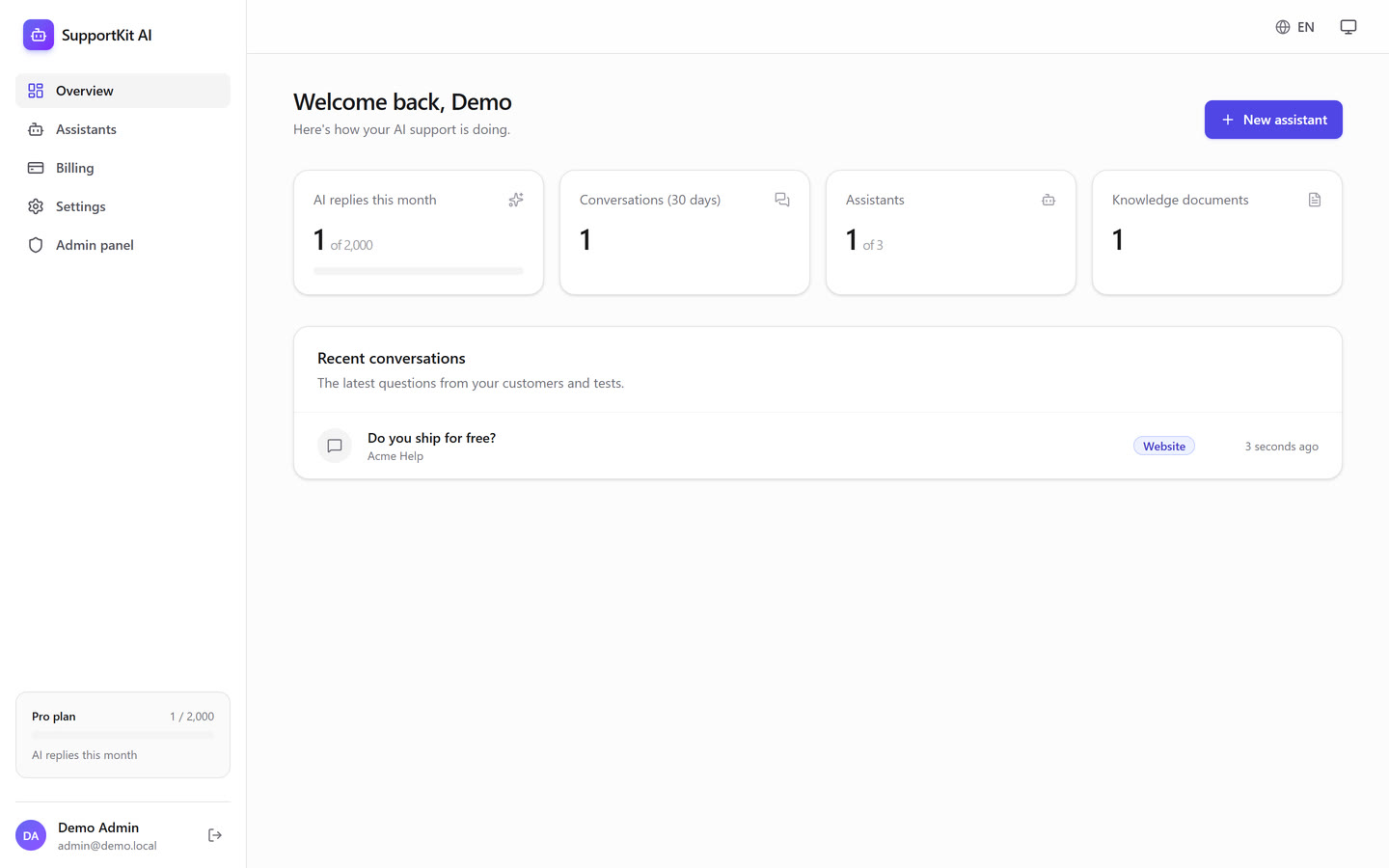
Users, MRR, sign-ups, roles and bans, plus a security audit log and a built-in setup guide.
5 languages
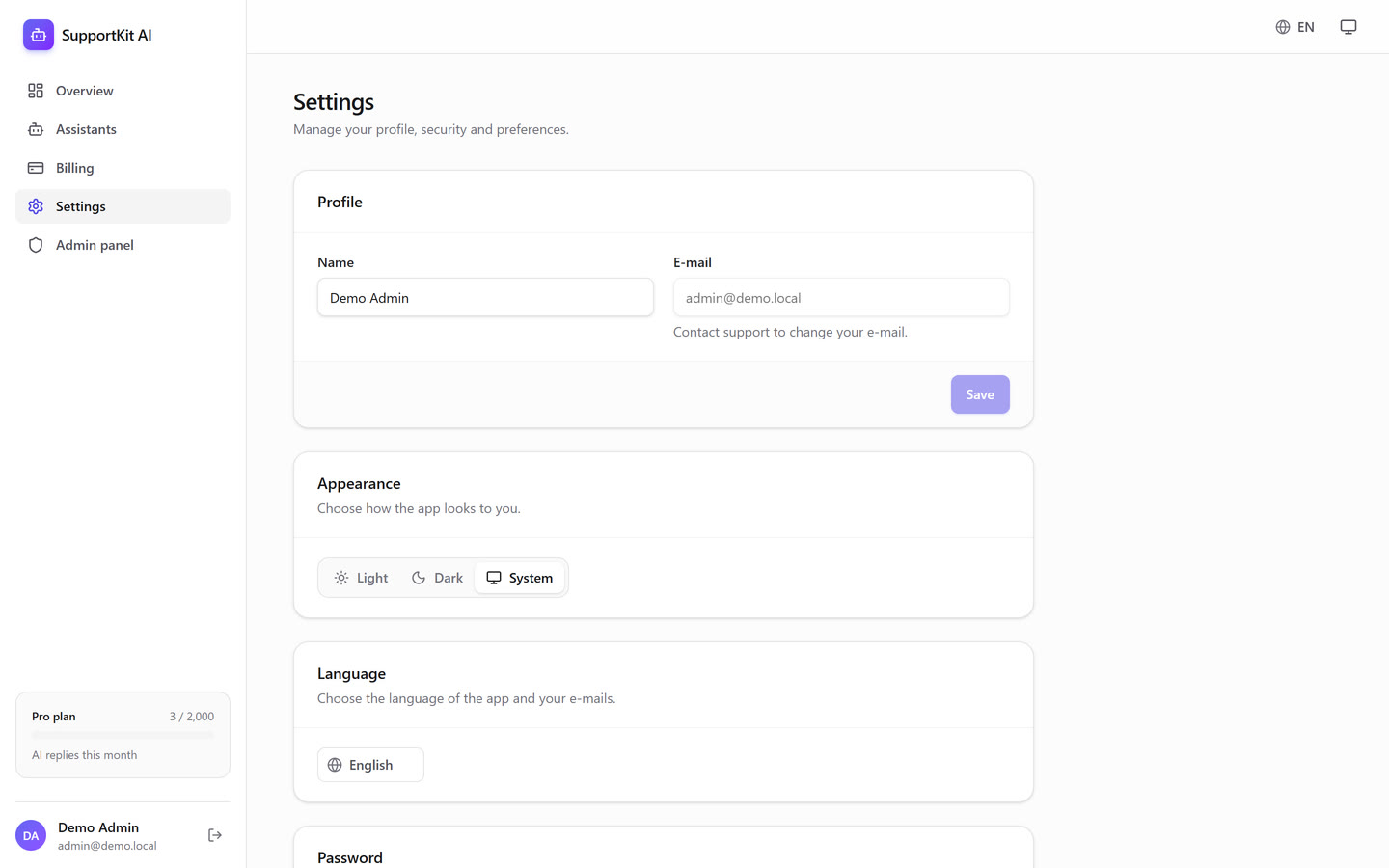
English, Spanish, German, French and Portuguese, auto-detected. No hard-coded text: the UI, errors, e-mails and widget are all translated.
Authentication
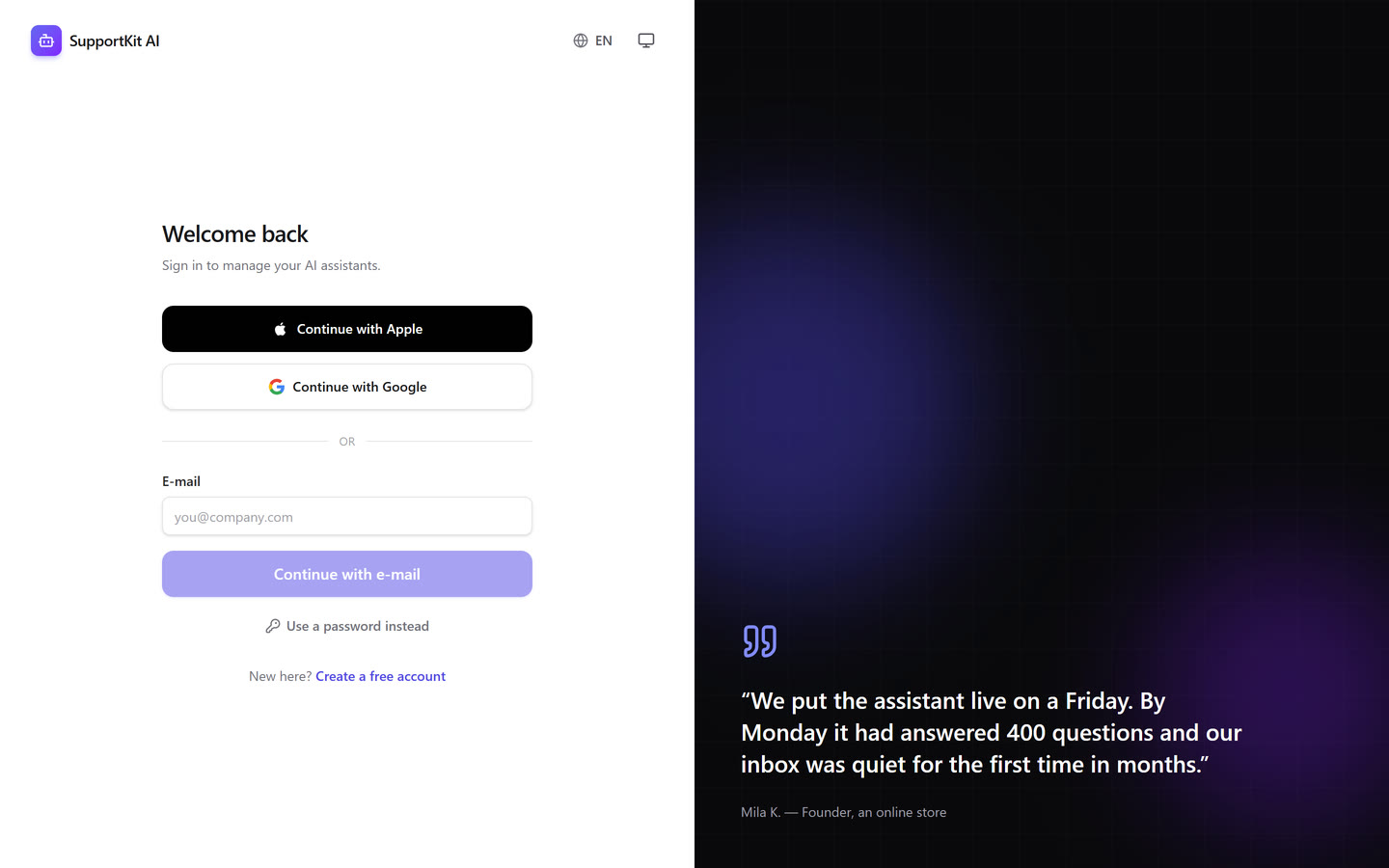
Every modern way to sign in
Built from scratch, without a black-box auth service. You own every line.
| Method | What's inside |
|---|---|
| Sign in with Apple | Full OIDC flow, ES256 client secret from your .p8 key, signature check against Apple's JWKS, form_post callback |
| Sign in with Google | OAuth 2.0 + OpenID Connect with PKCE, state and nonce |
| Passwordless e-mail | 6-digit code or one-click magic link. Codes are HMAC-hashed, expire in 10 minutes, allow at most 5 attempts, and work once |
| E-mail + password | Argon2id (salted, OWASP parameters), e-mail verification, forgot / reset / change password |
| Sessions | 15-minute JWTs in httpOnly cookies, rotating refresh tokens with reuse detection, an active-devices page and instant revoke |
Security
Built following OWASP Top 10 practices
Injection & XSS
- Parameterised queries everywhere (Prisma), no string-built SQL
- Strict Content-Security-Policy with per-request nonces
- Blog HTML sanitised; the widget renders text, never HTML
- Zod validation on every API route
Accounts & sessions
- CSRF protection (Origin checks + SameSite cookies)
- Rate limits on login, sign-up, codes, chat and the widget
- Atomic account lockout; no user enumeration
- Protection against account pre-hijacking
Headers & secrets
- HSTS, frame-ancestors, nosniff, Referrer- and Permissions-Policy
- Secrets never reach the browser; env is validated at startup
- Users can't read or change each other's data (IDOR-tested)
Production logging
- Structured JSON logs with automatic redaction of passwords and tokens
- Audit log of logins, failures, lockouts and admin actions
- A CI check bans
console.log
Security features reduce risk but cannot eliminate it. After purchase you are responsible for reviewing, configuring and securing your own deployment. See the terms.
Screenshots
Clean, modern, and dark-mode ready
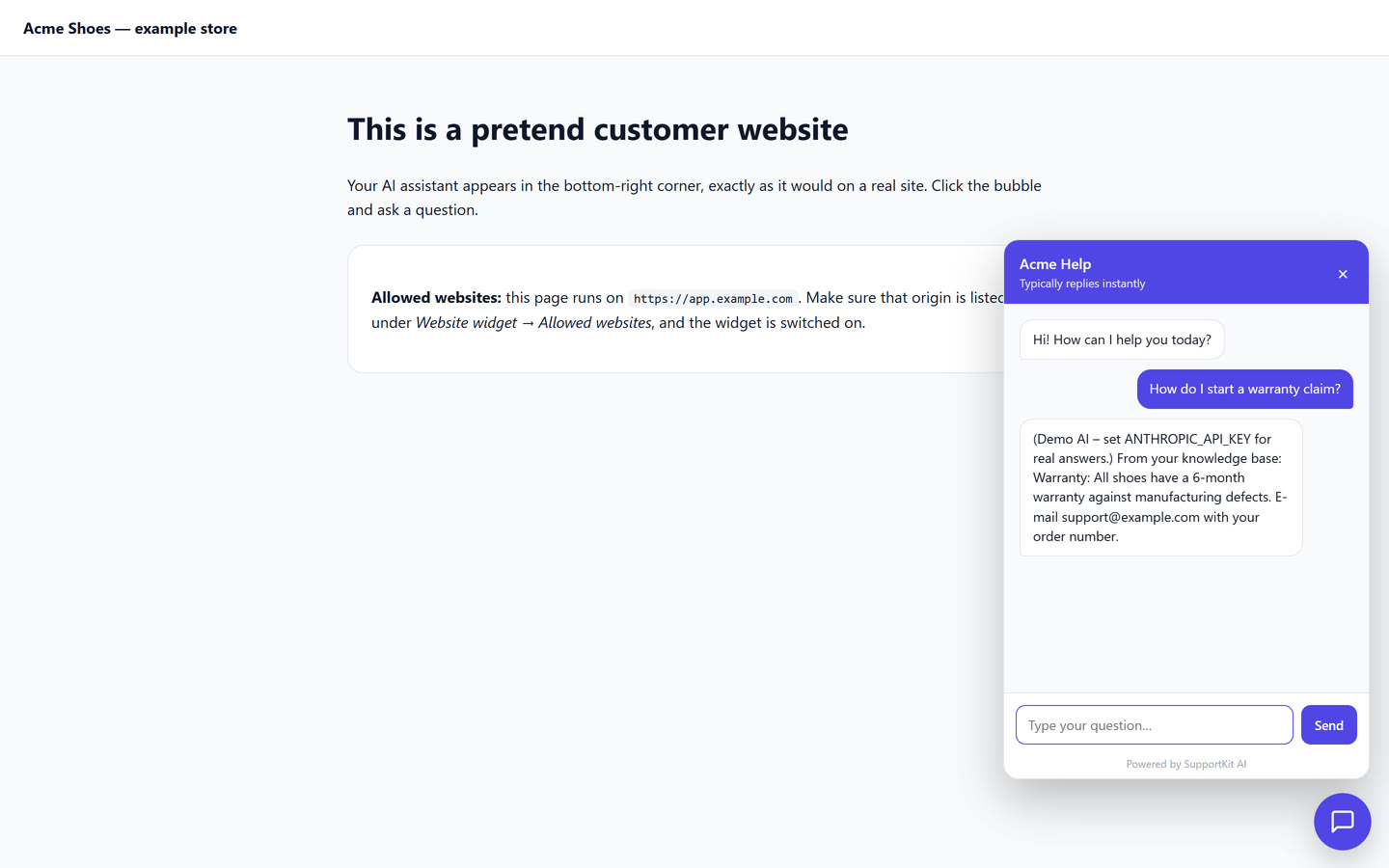
Up and running in minutes
Try it before you add a single key
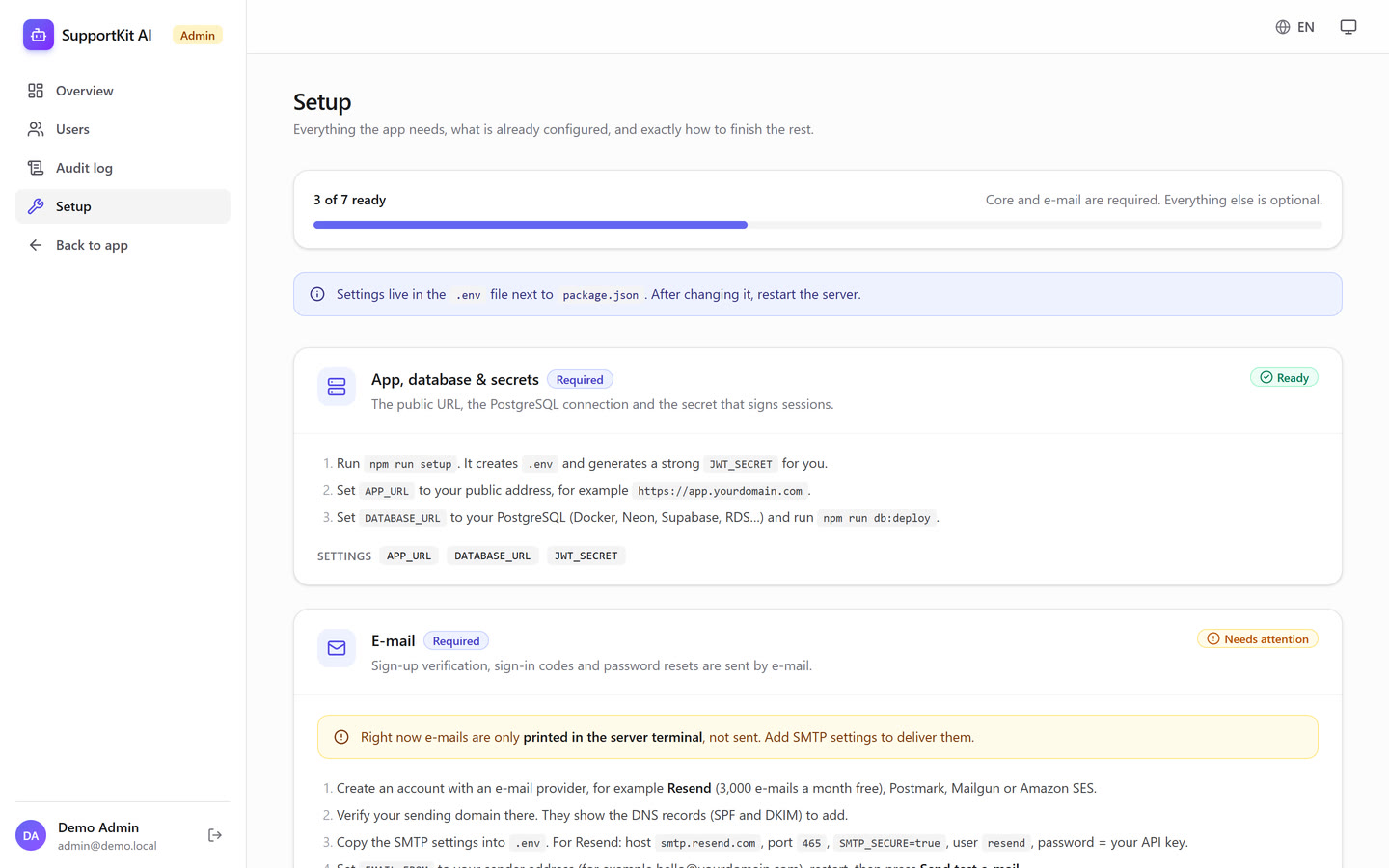
The demo starts an embedded database, a demo admin and a demo AI, with no Docker and no API keys. When you're ready, the setup wizard writes your .env, creates the tables and your admin account.
- Step-by-step
SETUP.mdfor Resend, Anthropic, Stripe, Google and Apple - Admin → Setup shows what's missing and the exact URLs to paste
- Deploy anywhere Node.js runs (Render, Railway, Fly.io, Vercel, a VPS) or use the Dockerfile
# 1. try everything locally, no keys needed
npm install
npm run demo

# 2. add your keys, create the database + admin
npm run setup

# 3. run all 100+ tests (security & load included)
npm run build && npm test
Tech stack
Modern, mainstream, no lock-in
Pricing
One payment. Unlimited projects.
Full source code, no subscription, no per-project fees.
SupportKit AI
For you or your company
One-time payment
No subscription. Pay once, use it forever.
- Full source code (ZIP)
- Unlimited projects of your own or for clients
- Setup wizard, demo and the full test suite
- Lifetime licence for the version you buy
The price and any taxes are shown at checkout. Payments are processed securely by Gumroad, which acts as Merchant of Record. See the refund policy.
Frequently asked questions
What exactly do I get?
A ZIP with the complete source code of the app (auth, billing, AI, widget, admin, i18n), plus a setup wizard, a one-command demo, the test suite, Docker files and a step-by-step setup guide. Your download link arrives by e-mail right after purchase.
Do I need to know how to code?
You should be comfortable with Node.js and a terminal. The setup wizard and SETUP.md walk you through every key you need.
Which API keys do I need?
Only a PostgreSQL database and an SMTP provider (for example Resend's free tier) are required. Anthropic (AI), Stripe (payments) and Google/Apple sign-in are optional; each feature switches on as soon as its key is added.
Can I try it before configuring anything?
Yes. npm run demo runs the whole app locally with an embedded database and a demo AI, with no keys and no Docker.
Does Sign in with Apple work on localhost?
Apple only allows HTTPS domains, so test Apple sign-in on your deployed domain. Google, e-mail codes and passwords all work locally.
Can I use it for client projects?
Yes, as many end products as you like, for yourself or for clients. You can't resell or redistribute the boilerplate itself as a template or starter kit. See the licence terms.
Can I get a refund?
You get the full source code instantly, so all sales are final. Payments, invoices and refunds are handled by Gumroad support. Watch the demo video before you buy. See the refund policy.
Who is responsible for security once I launch?
You are. The code follows widely used security practices, but once you buy it you are responsible for reviewing, configuring, updating and securing your deployment and for protecting your users' data. See the terms.